

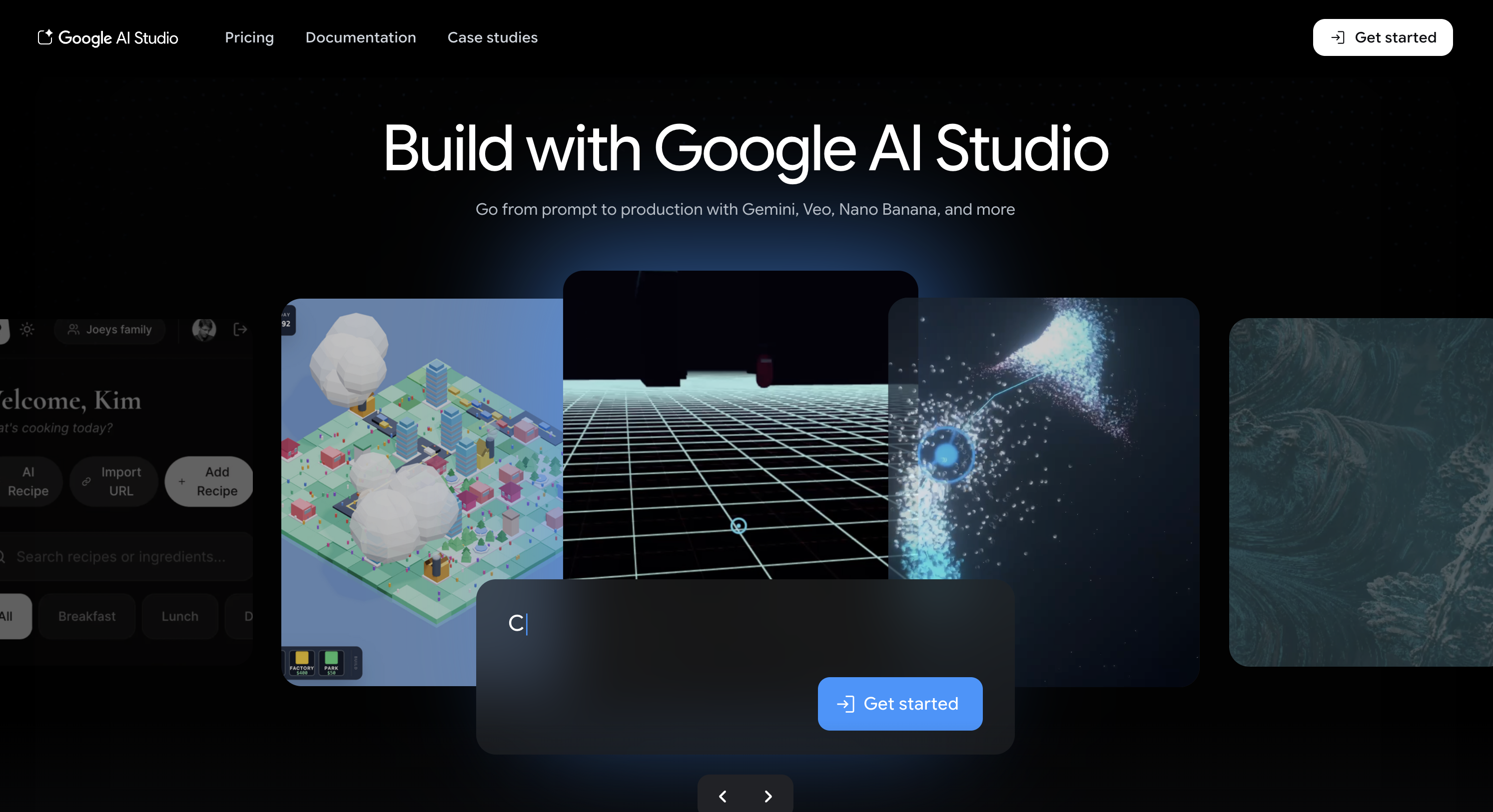
Some AI websites are fun for a few minutes and then you never open them again. Google AI Studio isn’t really built for that. It’s built for trying things, breaking things, testing ideas, and seeing what Google’s AI models can actually do.
This week’s pick is Google AI Studio, Google’s browser-based workspace for experimenting with Gemini. Google says it’s the fastest way to start building with Gemini, and that description makes sense once you open it. Instead of feeling like a polished consumer chatbot, it feels more like a control room for people who want to test prompts, upload files, try model settings, and explore how Google’s AI actually behaves.
What Google AI Studio Actually Does
At its simplest, Google AI Studio lets you interact with Gemini models in a more hands-on way than you’d get through a normal chat interface. Google’s official quickstart says users can adjust model parameters, safety settings, and switch on tools like structured output, function calling, code execution, and grounding. That means it’s not just a place to ask an AI random questions. It’s a place to test how the model responds under different conditions.
It also supports more than plain text prompts. Google positions AI Studio as a place to build with multimodal Gemini models, and its broader documentation highlights use cases involving text, images, video, audio, structured outputs and long-context inputs. Google is also explicitly promoting the platform as a way to explore the 1 million token context window, which makes it useful for people working with large files or long inputs.
Why It Stands Out
What makes Google AI Studio stand out is that it gives you a lot of power without immediately forcing you into a full developer workflow.
That’s a big deal. Plenty of AI tools either feel too locked-down for serious testing or too technical for normal users to bother with. Google AI Studio sits in an interesting middle ground. It’s clearly aimed at builders, but it’s still approachable enough for curious non-experts who want to play with prompts, model behaviour, and outputs in a more direct way.
It also has a strong free-entry appeal. Google’s Gemini Developer API pricing page says the free tier includes Google AI Studio access, with limited access to certain models and free input and output tokens for getting started. That makes it one of the easier places to experiment with serious AI tools without immediately hitting a paywall.
Who It’s Best For
Google AI Studio is especially good for:
- people who want to test prompts more seriously
- developers and tinkerers exploring Gemini
- students or curious users who want to learn how AI tools actually behave
- anyone interested in structured outputs, code execution, or multimodal inputs
It’s probably less suited to people who just want a simple “ask and answer” chatbot. If that’s all someone wants, a regular consumer AI app will feel easier. But if the goal is to understand how a model works, test ideas properly, or build toward something more useful, AI Studio is a much better fit. That positioning is consistent with Google’s official description of the product as a starting point for building with Gemini rather than just chatting with it.
How to Get Started
The easiest way to use Google AI Studio is to pick one small experiment and try it properly.
A good first test could be:
- ask Gemini to produce structured JSON
- upload a file and test how it handles long-context prompts
- compare model outputs with different settings
- try grounding or code execution
- use it to prototype a simple workflow before building anything bigger
Google’s own product pages position AI Studio as the jumping-off point between idea and production, which is really the right mindset for it. It’s less about casual chatting and more about controlled experimentation.
Our Rating
8.5/10
Google AI Studio loses a little ground only because it can feel more builder-oriented than beginner-oriented at first glance. But once you understand what it’s for, it’s one of the most useful AI websites around for anyone who wants to move beyond the standard chatbot experience. The fact that it’s browser-based and free to start makes it even more attractive.
Website: Google AI Studio — aistudio.google.com
Why this matters for Australia
For Australian readers, Google AI Studio is a good example of how AI tools are becoming more hands-on and more accessible at the same time. You don’t need a huge setup or a full software team just to start testing serious AI features in the browser.
That matters because a lot of people here are still in the stage of trying to work out what AI is actually useful for. Google AI Studio gives them a place to explore that more directly, whether they’re building something, learning something, or just trying to understand how modern AI tools behave when you go beyond simple chat.
The bigger takeaway is simple: if NotebookLM is great for making sense of information, Google AI Studio is great for seeing what today’s AI models can actually do when you get under the hood.
Source links
Source: Google AI Studio | Gemini API Docs | Gemini API Pricing

