

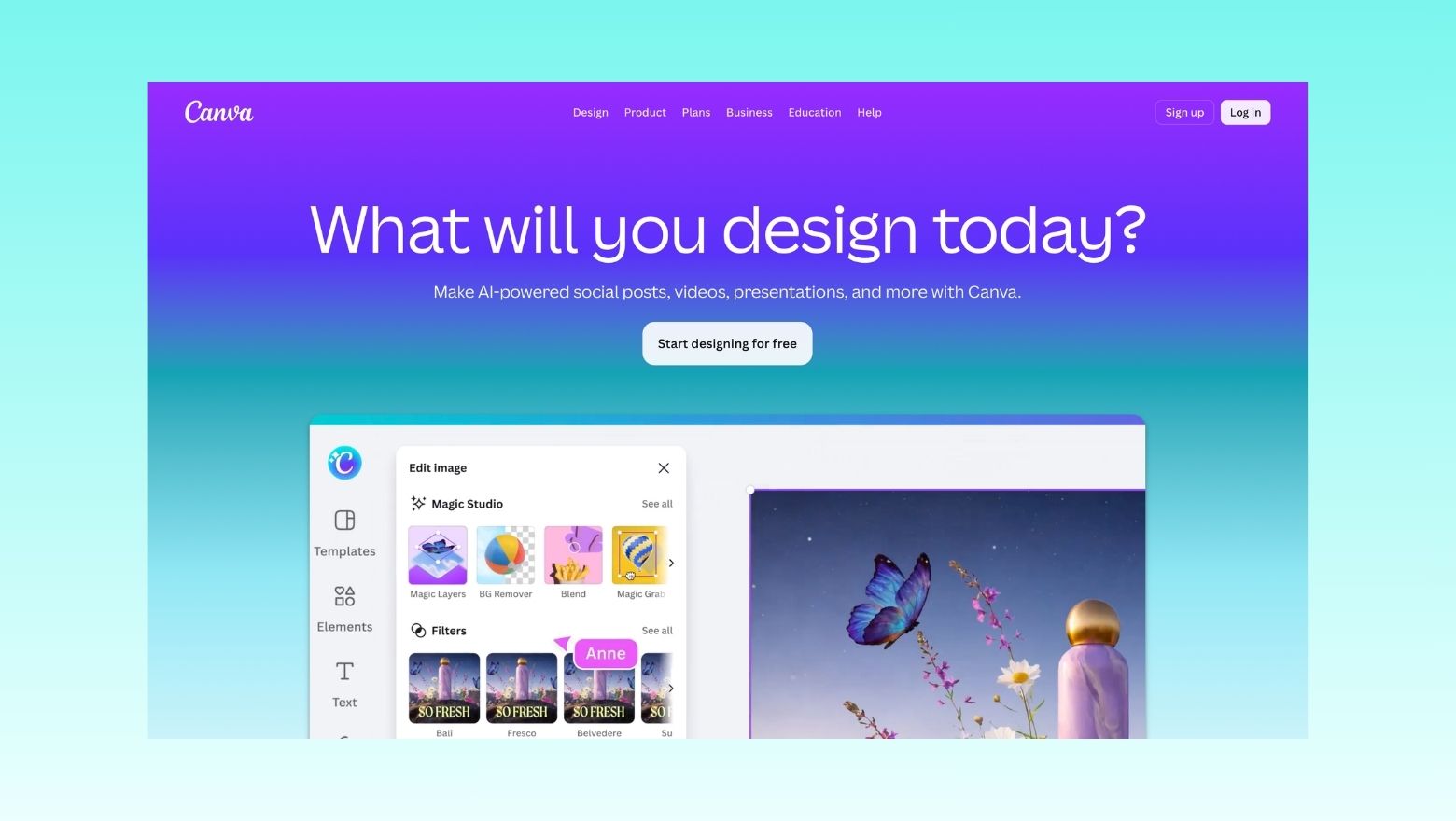
There are plenty of AI apps that sound impressive for five minutes and then never get opened again. Canva is not one of them.
This week’s pick goes to Canva because it manages to do something a lot of AI products still struggle with: it feels genuinely useful in everyday life. Whether you want to make an Instagram post, tidy up a photo, build a quick presentation, design a resume, edit a short video or generate visuals from a rough idea, Canva makes the process feel easy instead of intimidating. Canva describes itself as a free-to-use graphic design platform for social posts, presentations, posters, videos and more, while its AI offering brings many of those tools together under Magic Studio and Canva AI.
What Canva Does Well
The big strength of Canva is that it doesn’t expect you to be a designer. You can start with templates, drag-and-drop your way through a layout, or let its AI tools help you get moving faster. Canva says Magic Studio brings together its AI-powered features to help users move from brainstorm to finished result with more ease, speed and creativity. Its Magic Design tool can also generate design directions from your text and media.
On mobile, Canva is positioned as an all-in-one creative app for graphic design, photo editing and video creation. The App Store listing highlights AI-powered video and photo tools, while Google Play describes built-in “magic AI tools” including text-to-image features and editing tools for social content, flyers, collages and more.
Why It Stands Out
What makes Canva stand out is not just that it has AI. It is that the AI is built into a product people already know how to use.
A lot of AI apps still feel like demos in search of a purpose. Canva feels like the opposite. You open it because you actually need to make something, and the AI features are there to speed up the job rather than take over the whole experience. Canva’s official AI assistant page describes Canva AI as a conversational assistant that helps users visualise ideas, generate text and produce designs in one place.
That makes it especially good for everyday users, small business owners, students, side hustlers and content creators who want practical help, not a complicated creative workflow. The free entry point also matters. Canva’s website says the platform is free to use, while the mobile app listings show optional in-app purchases for people who want more advanced features.
Who It’s Best For
Canva is a strong fit for:
- people who make social media posts regularly
- students putting together slides, posters or resumes
- small businesses making ads, flyers or branded content
- anyone who wants quick design help without learning pro software
It’s probably less suited to people who want highly specialised, pro-level creative control from day one. But for most readers, that’s not the point. Canva wins because it removes friction. It gets you from idea to finished piece quickly, and that’s exactly what a good AI app should do. Canva’s app store descriptions emphasise this broad use case, from presentations and CVs to videos, social posts and brand assets.
How to Get Started
The easiest way to start is to download the app, pick one simple project and let Canva do the heavy lifting.
A good first test is:
- make an Instagram post
- create a short reel or video
- build a resume
- try an AI image prompt
- use Magic Design from a rough idea
You don’t need to explore every feature at once. Canva is one of those apps that becomes more useful the more often you use it.
Our Rating
9/10
It loses one point only because some of the best features sit behind paid tiers, which is normal for apps like this. But as a free or freemium AI app that real people can use straight away, it is one of the strongest options around. Canva’s platform and app listings consistently position it as free to start, with optional premium upgrades and broader AI features available across its ecosystem.
Why this matters for Australia
Canva isn’t just a useful app. It is also one of Australia’s biggest modern tech success stories, which gives this pick a very local edge even before you open the app. The Australian App Store listing even describes it as “Australia’s favourite all-in-one creative platform,” reflecting just how mainstream it has become here.
For Australian readers, that matters because Canva shows what AI looks like when it is folded into everyday work instead of being treated like a futuristic novelty. It can help with business content, school work, job hunting, community events, online selling and social media, which makes it much more practical than a lot of flashy AI tools.
The bigger takeaway is simple: if someone wants one AI app they are actually likely to keep using, Canva is a very strong place to start.
Download links
Website: Canva
App Store: Canva: AI Video & Photo Editor
Google Play: Canva: AI Photo & Video Editor

